Describe your story — write dialogue, scenes, product copy, or any written content. Aquarius brings it to life.
0/4800
⠿
Reference uploaded file
✦ Aquarius Enhanced
Use this prompt
🖼️
Reference Images
Logos, products, faces, styles — up to 4. Tag them in your story with @
⬆ Upload / Drag & Drop
🖼️
Reference Image
Upload a face, product, style, or composition reference to guide the generation
⬆ Upload or Drag & Drop Image
👤
Character & Visual
Faces, outfits, locations, objects
⬆ Upload / Drag & Drop
up to 12 images
🎙️
Voice & Audio
Voice samples, dialogue, audio refs
Upload Audio 🎵
🎬
Style Reference
Example videos for camera & lighting style
⬆ Upload Video
Quality
Res
Needs Full
Faster · Lower costStandard · 720p
AQUARIUS — ENHANCING YOUR STORY
Analyzing your scene
0s
Active Creations 0
0 selected
Your generations appear here and stay until you delete them.
Creation Library 0
0 selected
Nothing saved yet.
Studio Tools
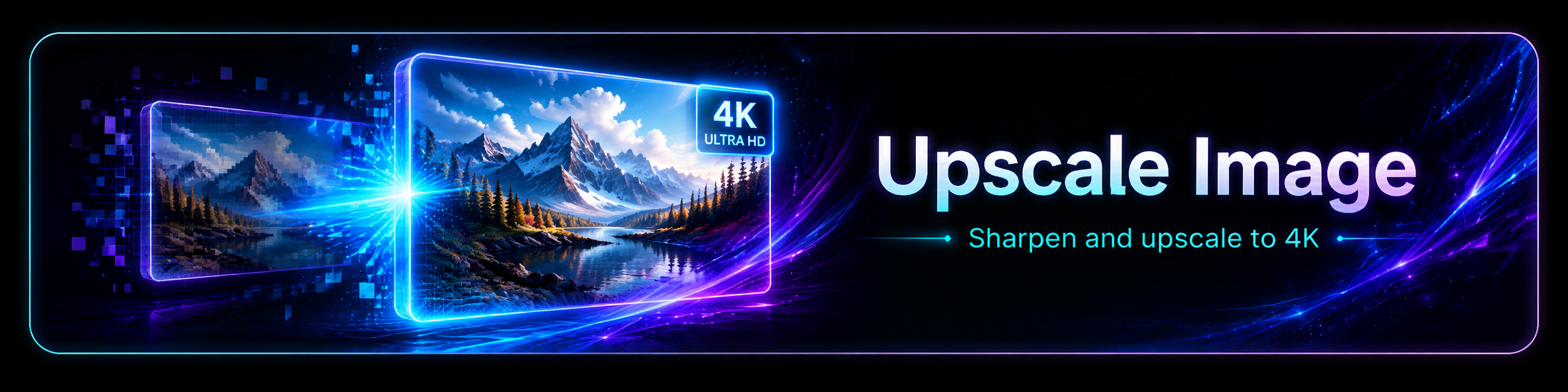
Sharpen and enlarge an image to 4K. Upload or drag an image from your Creation Library; settings and progress open in the upscaler.
🖼
Image to Upscale
Upload or drag a creation
Drag or upload an image to begin.
Turn dialogue into a natural voiceover. Describe the voice and audition designed options, or pick a preset.
Audition Voices: generate several voice options to listen to and pick from. Generate Voice: create the voiceover directly with your settings, no choosing.
Generate an original music track from a short description.
Place your subject into any new environment, relit to match. Add a source, then a New Scene image or just describe the scene. Your subject is composited in and relit, and the backend keeps it from being duplicated.
🎥
Source Video
Upload or drag a creation
🌍
New Scene / Environment
The world to place your subject into, e.g. the surface of the moon
◐
Subject Mask
White keeps, black replaces. Image for one frame, video for per-frame.
Length and cost follow your source clip (up to about 10s). Subject duplication is prevented by the backend scene prompt.
Powered by SwitchX
Created with Aquarius 100% AI
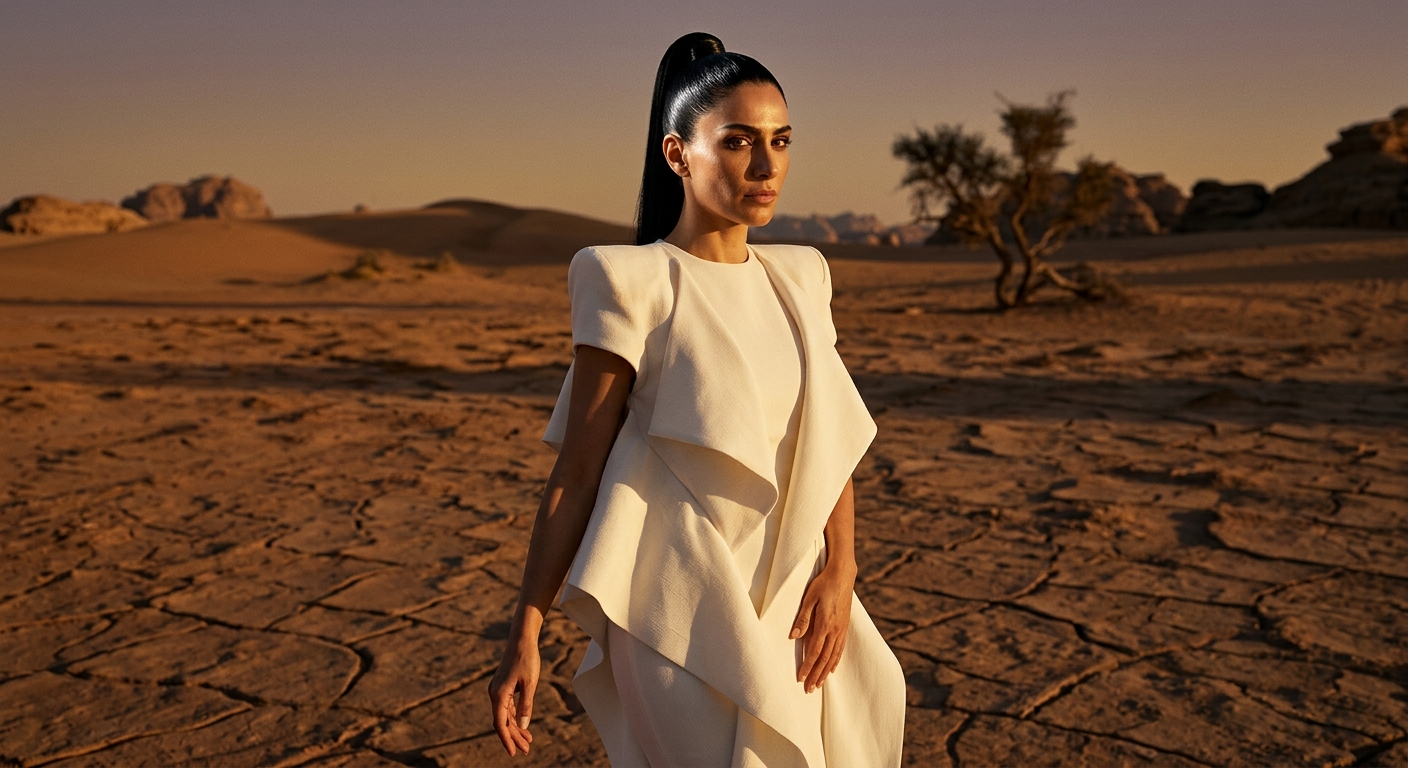
Editorial
🔍 View
IMAGE
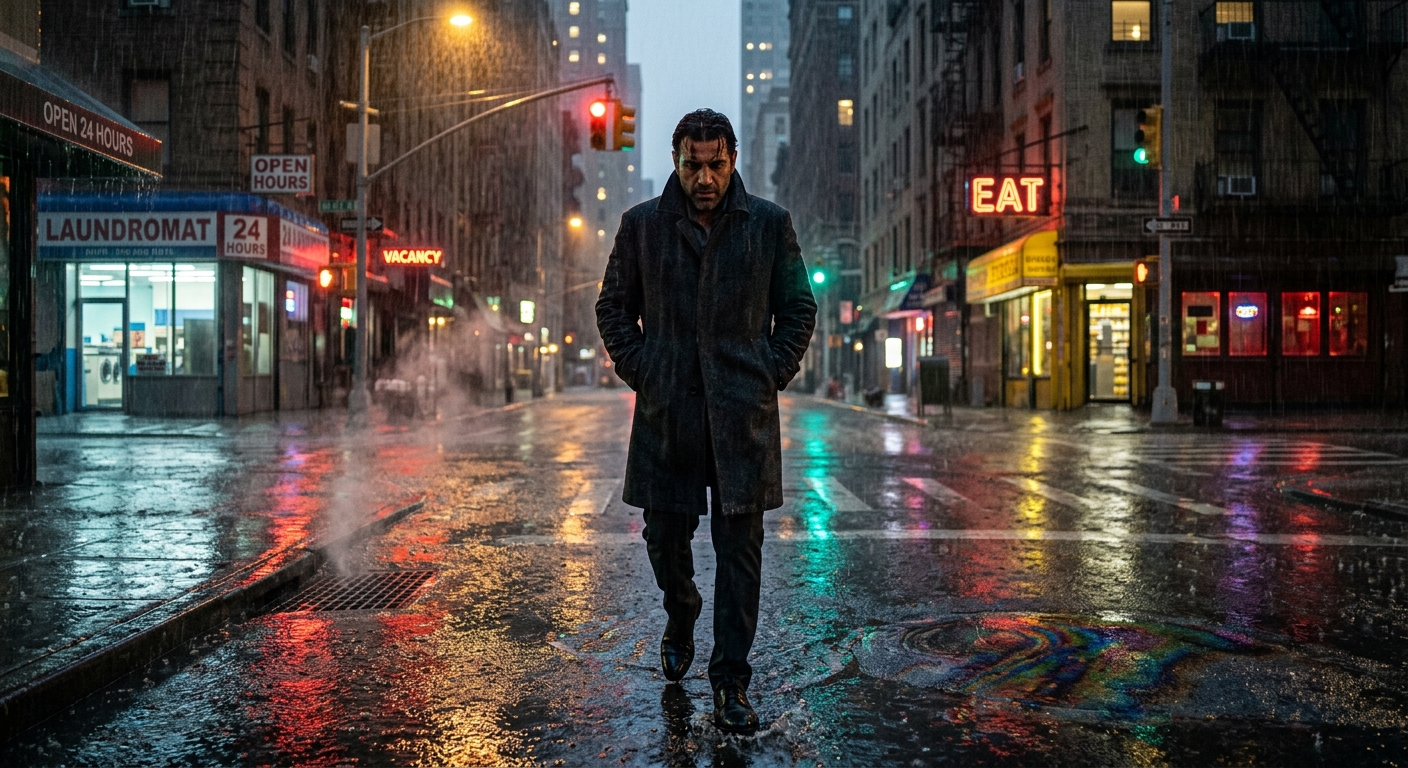
Cinematic
🔍 View
IMAGE
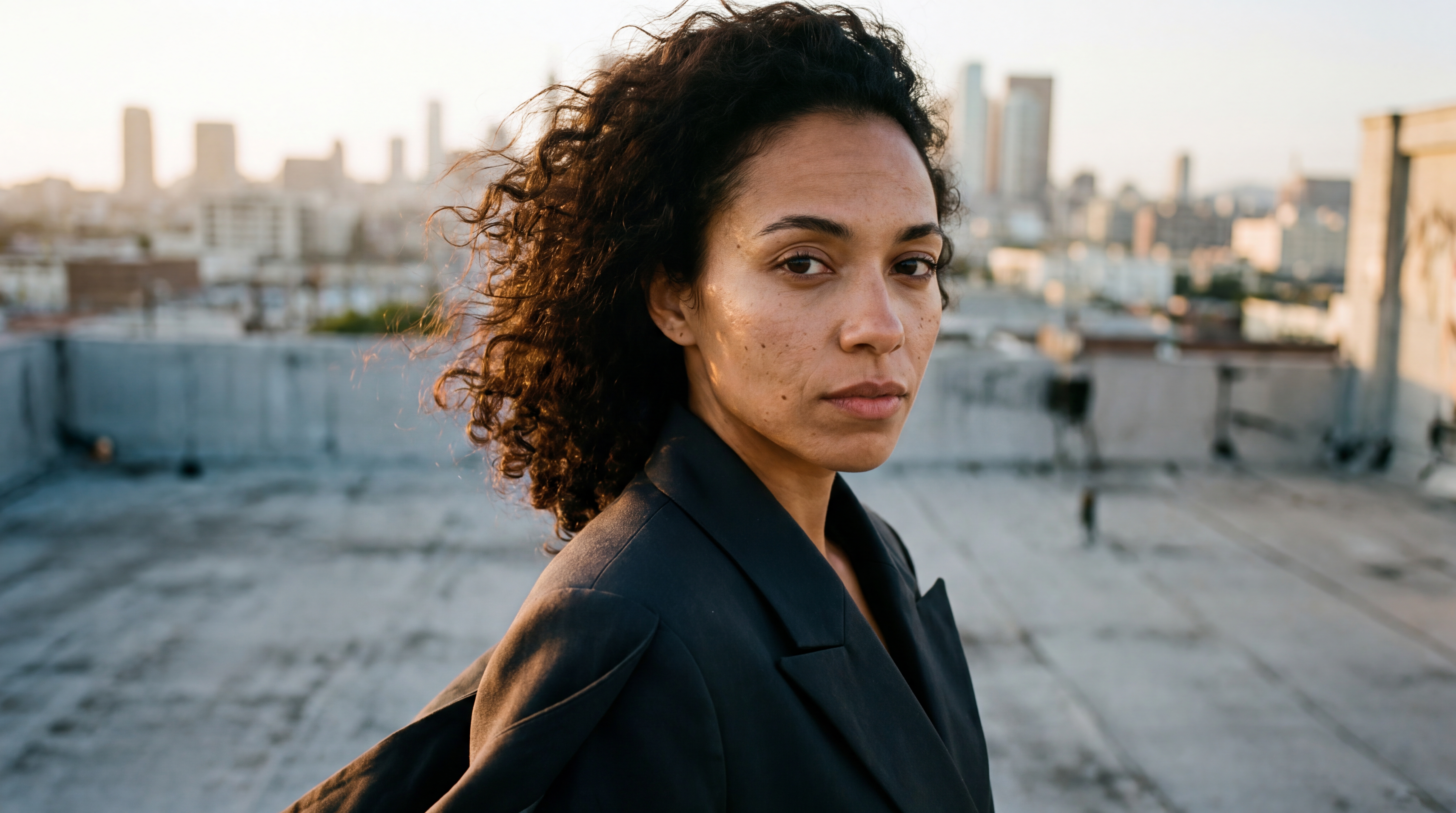
Characters
🔍 View
IMAGE
Content
▶ Play
VIDEO
Suspense
▶ Play
VIDEO
Action
▶ Play
VIDEO
Drama
▶ Play
VIDEO
Commercials
▶ Play
VIDEO
Romance
▶ Play
VIDEO
Family
▶ Play
VIDEO
Comedy
▶ Play
VIDEO
Business
▶ Play
VIDEO
✦ Upscale
The defaults work well for most images. Adjust only if you want a specific result:
Scale 2x
How much bigger the image gets. 2x suits most uses; pick 4x or 8x for print or large crops (slower, costs more).
Creativity 2
How much new detail the AI may invent. Low stays faithful to the original; high adds invented detail but can alter faces and small features. Around 0 to 3 is safe.
Detail 2
Sharpness and texture. Higher looks crisper and punchier; too high can look gritty or over-processed.
Resemblance 3
How closely the result sticks to your original. Higher stays truer to the source; lower lets it drift. Raise this if faces or details change too much.
UPSCALING IN PROGRESS
Enhancing your image. This may take 1 to 2 minutes.



 IMAGE
IMAGE
 IMAGE
IMAGE
 IMAGE
IMAGE